Mastering Social Media Design: A Comprehensive Guide to Nenx-Ext Instagram Templates
In the fast-paced digital landscape of today, visual content is not just an accessory; it is the primary language of communication. Whether you are a small business owner, a freelance photographer, an influencer, or a marketing professional, the quality of your imagery on platforms like Instagram can dictate your success. However, creating high-quality, consistent, and visually stunning graphics from scratch requires significant time, technical skill, and expensive software expertise. This is where professional design resources, such as the Nenx-Ext Instagram Templates, become invaluable tools for modern creators.
This article explores the significance of using pre-designed templates, specifically focusing on the utility of PSD (Photoshop Document) files equipped with Smart Objects. We will demystify the technical aspects of these files, explain why specifications like 300 DPI and RGB color modes matter, and guide you through the practical application of these tools to elevate your brand presence without needing to be a graphic design expert.
The Power of Professional Templates in Modern Branding
Consistency is the cornerstone of effective branding. When a user visits your social media profile, they should immediately recognize your aesthetic through a cohesive color palette, typography, and layout style. Achieving this level of consistency manually for every single post is exhausting and often leads to "designer's block."
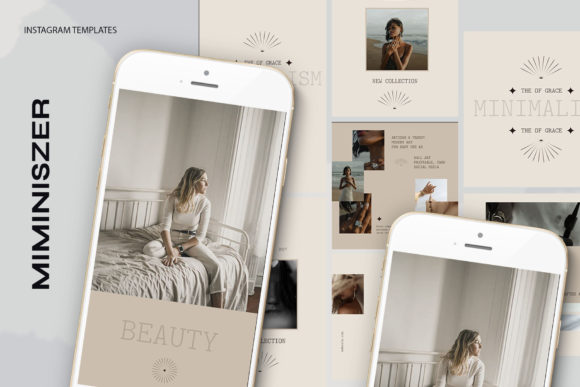
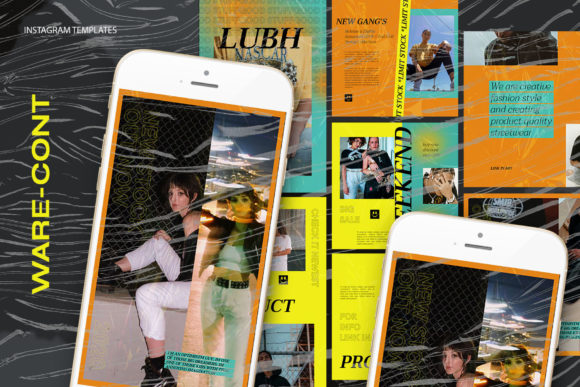
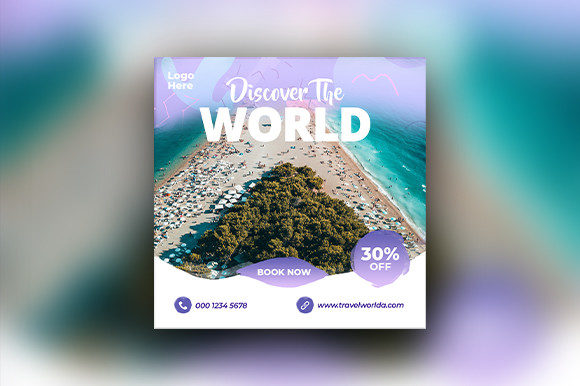
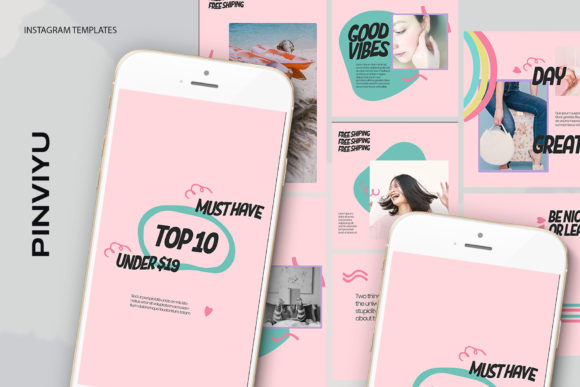
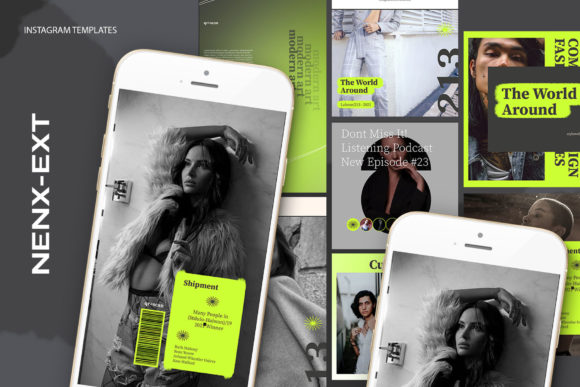
Nenx-Ext Instagram Templates offer a solution by providing a structured foundation. These are not merely static images; they are fully editable working files. By utilizing a template, you separate the structural design work from the content creation work. The designer has already solved the problems of alignment, hierarchy, and visual balance. Your job becomes simply injecting your unique content—your product photos, your quotes, or your announcements—into a proven framework. This shifts your focus from "how do I make this look good?" to "what story am I telling today?"
Understanding the PSD Format and Smart Objects
To truly leverage these templates, one must understand the file format. The core of the Nenx-Ext package is the .PSD file. This is the native file format for Adobe Photoshop, a layer-based image editor used by professionals worldwide. Unlike a flattened JPEG or PNG, a PSD file retains all the individual elements of the design as separate layers. This means text, backgrounds, shadows, and images can be manipulated independently.
The most critical feature within these PSD files is the use of Smart Objects. For beginners, this term might sound intimidating, but it is actually the key to ease of use. A Smart Object is a container that holds image data while preserving the original source content's characteristics. In the context of these Instagram templates, Smart Objects act as "windows" or placeholders for your own photography.
Why is this significant? Without Smart Objects, replacing an image in a complex design often involves deleting old pixels, resizing new ones manually, and trying to match filters or lighting effects—a process prone to error. With Smart Objects, the template automatically applies all necessary adjustments (such as color grading, masking, or perspective warping) to your new image the moment you insert it. This ensures that your photo looks like it was professionally integrated into the design every single time.
Step-by-Step: How to Customize Your Template
One of the selling points of the Nenx-Ext collection is its user-friendly workflow. Even if you have only basic knowledge of Photoshop, the process is streamlined to be intuitive. Here is a breakdown of how the "Easy to Use" promise translates into action:
- Open the File: Launch Adobe Photoshop and open the downloaded .PSD file. You will see a panel on the right side called "Layers."
- Locate the Image Group: Navigate through the layers until you find the specific group designated for images. These are often clearly labeled or grouped together for organization.
- Activate the Smart Object: Look for the layer icon within the group. As per the instructions, you simply double-click on the layer icon (often a small square thumbnail on the layer).
- Insert Your Content: This action opens a new tab containing just the placeholder image. Here, you delete the placeholder and paste or drag-and-drop your own image.
- Save and Update: Once your image is in place, press CTRL + S (or Command + S on Mac) to save this specific Smart Object file. When you return to the main template tab, you will see your image instantly updated, perfectly fitted and styled within the design.
This workflow eliminates the guesswork of sizing and positioning. It allows you to iterate quickly, testing different photos to see which one resonates best with your audience without breaking the design layout.
Technical Specifications: Why 300 DPI, RGB, and Resolution Matter
Beyond ease of use, the technical specifications of the Nenx-Ext templates ensure professional output quality. Understanding these specs helps users appreciate the versatility of the product.
- 300 DPI (Dots Per Inch): While social media screens typically display at 72 PPI (Pixels Per Inch), designing at 300 DPI is a hallmark of professional print-ready quality. This high resolution ensures that if you decide to repurpose your Instagram post for a flyer, a business card, or a magazine ad, the image will remain crisp and sharp without pixelation. It provides a "future-proof" asset for your business.
- RGB Color Mode: Screens emit light, and the RGB (Red, Green, Blue) color model is optimized for digital displays. Using RGB ensures that the vibrant colors you see on your monitor are exactly what your followers see on their smartphones. Converting from CMYK (used for print) to RGB can sometimes dull colors; starting in RGB guarantees maximum vibrancy for Instagram.
- Versatile Resolutions (1200x1200 px & 1920x1080 px): The inclusion of multiple aspect ratios addresses the diverse needs of modern social platforms. The 1200 x 1200 px dimension is the standard square format for Instagram feed posts, ensuring a clean grid layout. The 1920 x 1080 px dimension caters to landscape needs, such as YouTube thumbnails, Facebook cover photos, or Twitter headers. Having both in one package offers exceptional value and flexibility.
Demystifying Common Misconceptions
A frequent point of confusion for new buyers is the note: "Image not included." Some users mistakenly believe that purchasing a template grants them the rights to the stock photography shown in the preview. It is crucial to clarify that you are purchasing the design structure, not the content within it.
This distinction is actually a benefit. It means you are not limited to generic stock photos that thousands of other people might be using. Instead, you are empowered to use your own authentic photography, product shots, or branded illustrations. This authenticity is what builds trust with your audience. The template serves as the frame; you provide the masterpiece.
Another assumption is that "editable text" implies limited font choices. In reality, because these files utilize the Photoshop Text Tool, you have complete freedom. You can change the wording, the font family, the size, the kerning (spacing between letters), and the color. If your brand guidelines specify a specific hex code for your blue, you can apply it precisely. This level of control ensures that the template adapts to your brand, rather than forcing your brand to adapt to the template.
The Broader Impact on Workflow and Creativity
Incorporating tools like the Nenx-Ext Instagram Templates into your workflow does more than just save time; it enhances creativity. When the technical barriers to entry are lowered, creators can experiment more freely. You can try bold color combinations, test different headline styles, or swap imagery rapidly to A/B test what performs best.
For educators and students, these templates serve as excellent learning tools. By deconstructing a professional PSD file, aspiring designers can see how experts organize layers, name groups, and utilize Smart Objects. It is a form of reverse engineering that accelerates the learning curve.
Furthermore, in a business context, these templates facilitate collaboration. A marketing manager can hand off a PSD file to a junior associate with the instruction to "update the image and text." Because the Smart Objects handle the heavy lifting, the risk of the junior designer accidentally ruining the layout is minimized. This standardization ensures that the brand voice remains consistent regardless of who is executing the task.
Conclusion
The Nenx-Ext Instagram Templates represent more than just a collection of pretty graphics; they are a strategic asset for anyone serious about their digital presence. By combining the power of layered PSD files, the efficiency of Smart Objects, and high-resolution specifications, these templates bridge the gap between amateur efforts and professional design.
Whether you are looking to streamline your daily posting routine, ensure your brand looks polished across multiple platforms, or simply learn more about how professional designs are constructed, these tools provide a robust foundation. Remember, the image is not included because the real value lies in your unique content. With these templates, you have the canvas and the structure; all that remains is for you to bring your vision to life. Embrace the efficiency, maintain your consistency, and let your creativity shine through the clarity of professional design.