Evaluating Miminiszer Instagram Templates for Social Media Design
In the competitive landscape of social media marketing, visual consistency and production speed are critical factors for success. Content creators, small business owners, and digital marketers often face the challenge of maintaining a high-quality aesthetic without dedicating excessive time to graphic design from scratch. This is where resources like Miminiszer Instagram Templates enter the conversation. These assets are designed to streamline the creation process for Instagram posts, offering a structured foundation that users can customize to fit their specific brand identity. Understanding the technical specifications, workflow advantages, and limitations of such templates is essential for determining whether they align with your current design needs and operational goals.
Understanding the Product Structure
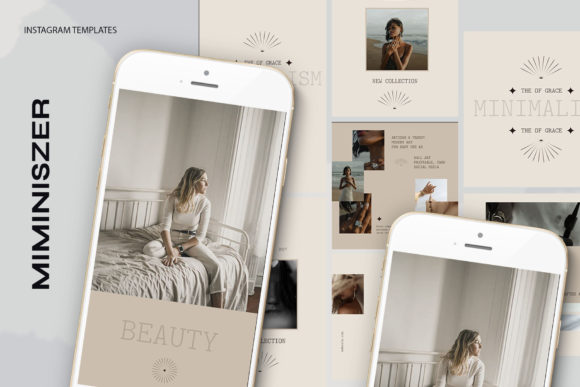
At its core, the Miminiszer Instagram Templates package is a collection of pre-designed layouts delivered in the PSD (Photoshop Document) format. The inclusion of 13 distinct files suggests a variety of layout options, allowing users to rotate designs to keep their feed visually engaging while maintaining a cohesive theme. The primary value proposition lies in the use of Smart Objects, a powerful feature within Adobe Photoshop that simplifies the image replacement process. Instead of manually resizing, cropping, or masking new photographs, users can simply double-click the layer icon within the image group, insert their desired photo, and save. This action automatically updates the main composition, ensuring that the new image adheres perfectly to the original design's perspective, lighting effects, and framing.
Technical fidelity is another crucial aspect of this product. The templates are provided at 300 DPI (dots per inch) in RGB color mode. While 72 DPI is often cited as the standard for screen display, starting with a 300 DPI file ensures maximum sharpness and detail, preventing pixelation when images are scaled or viewed on high-resolution retina displays. The RGB color space is the correct choice for digital content, ensuring that colors appear vibrant and accurate on smartphones and computer monitors. Furthermore, the availability of multiple dimensions—specifically 1200 x 1200 pixels for square posts and 1920 x 1080 pixels for stories or landscape formats—provides versatility for different content strategies within the Instagram ecosystem.
Workflow Efficiency and Editability
One of the most significant benefits of utilizing these templates is the reduction in turnaround time for content creation. For individuals who need to produce daily or weekly content, the ability to swap images and edit text rapidly is a major productivity booster. The templates feature fully editable text layers, meaning users can utilize the Photoshop text tool to change headlines, captions, calls to action, and fonts to match their branding guidelines. This level of customization ensures that while the structural design remains professional, the messaging stays unique to each post.
The "easy to use" claim associated with Miminiszer Instagram Templates generally holds true for users who have basic familiarity with the Photoshop interface. The workflow is linear: open the file, locate the smart object, double-click, paste the new image, save, and then modify the text. This predictability removes the guesswork often involved in design, allowing users to focus more on content strategy and less on technical execution. However, it is important to note that "easy" is relative; a complete novice with no prior exposure to layer management in Photoshop may still face a learning curve, despite the simplified smart object workflow.
Ideal Use Cases and Strategic Fit
These templates are particularly well-suited for several specific scenarios. First, they are an excellent fit for e-commerce brands that need to showcase products consistently. The high-resolution output ensures that product details remain crisp, and the uniform layout helps build brand recognition. Second, they serve influencers and content creators who wish to elevate the quality of their feed without hiring a dedicated graphic designer. By using a consistent set of templates, creators can maintain a polished look that signals professionalism to potential sponsors and followers.
Additionally, marketing agencies managing multiple client accounts may find value in these assets as a starting point for rapid prototyping. The ability to quickly swap out imagery and text allows agencies to present visual concepts to clients efficiently. The inclusion of both square and landscape dimensions also makes these templates adaptable for cross-platform usage, potentially extending beyond Instagram to Facebook posts or LinkedIn updates where similar aspect ratios are utilized.
Limitations and Considerations
While the benefits are clear, prospective users must also weigh certain tradeoffs and limitations. A primary consideration is the requirement for Adobe Photoshop. Since the files are in PSD format, users must have access to this specific software, which operates on a subscription model. For those relying on free alternatives like Canva, GIMP, or mobile-based editing apps, these templates will not be directly compatible unless converted, which can often break the smart object functionality and layer structures.
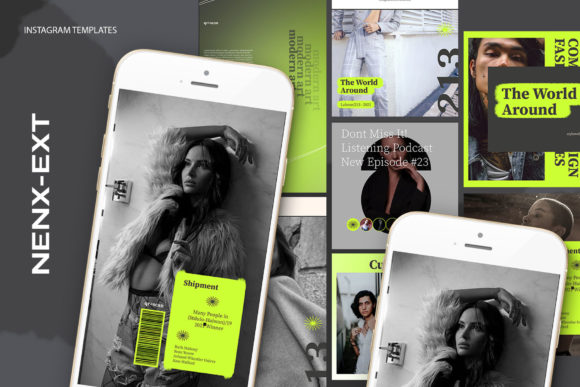
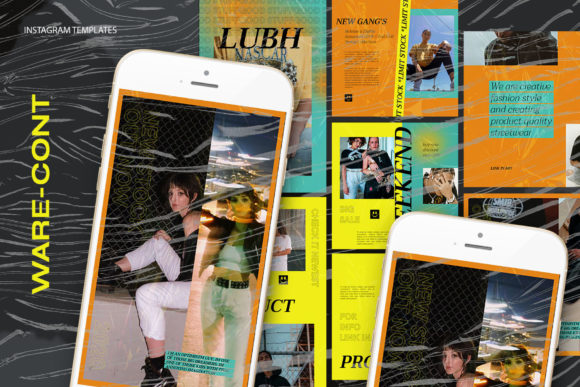
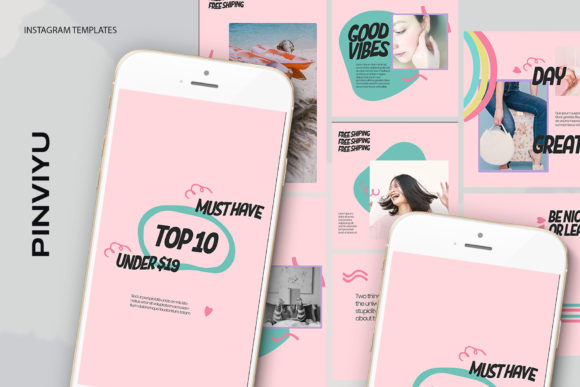
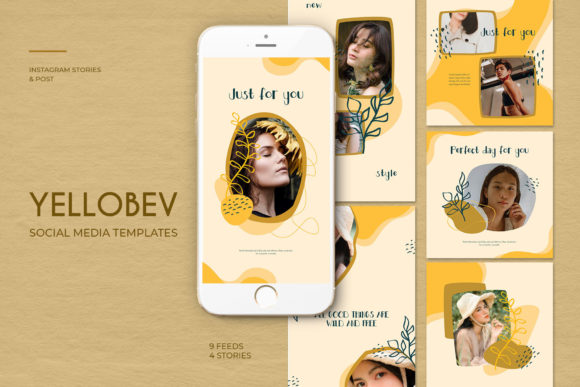
Another important detail highlighted in the product description is that the model is not included. The preview images used to market the templates often feature professional models to demonstrate the design's potential. Users must source their own photography. This means the final quality of the post is heavily dependent on the quality of the user's input images. If a user inserts a low-resolution or poorly lit photo into a high-quality template, the resulting design may look disjointed or unprofessional. Therefore, the template is only as good as the assets placed within it.
Furthermore, while 13 files offer variety, they may not cover every conceivable content need. Users looking for highly specialized layouts, such as complex carousels, reels covers, or intricate infographic styles, might find the selection somewhat limited compared to larger bundles containing hundreds of variations. There is also the risk of "template fatigue," where frequent users of the same popular template packs may notice their designs resembling those of competitors who purchased the same assets.
Making an Informed Decision
Deciding whether to invest in Miminiszer Instagram Templates ultimately depends on your current workflow, software access, and design proficiency. If you already possess Adobe Photoshop and seek a method to standardize your visual output while reducing design time, these templates offer a logical solution. The smart object technology significantly lowers the barrier to entry for achieving professional-looking composites, and the 300 DPI resolution ensures future-proof quality.
However, if you lack access to Photoshop or prefer a drag-and-drop interface found in browser-based tools, alternative solutions may be more appropriate. Similarly, if your brand requires highly bespoke, one-of-a-kind illustrations that deviate significantly from standard grid layouts, a custom design approach or a more extensive library might be necessary. Ultimately, these templates serve as a practical tool for efficiency and consistency, provided the user understands the software requirements and is prepared to supply high-quality original imagery to bring the designs to life.