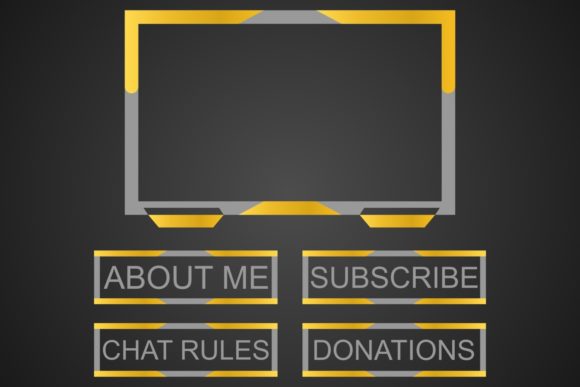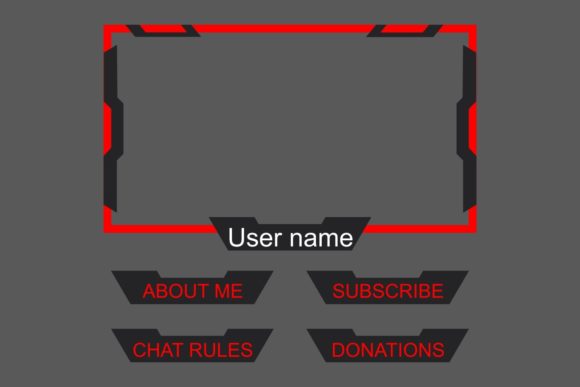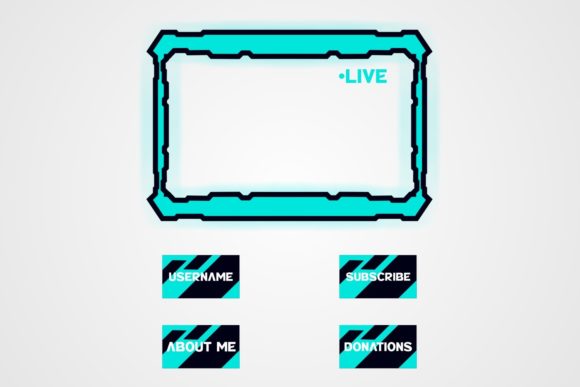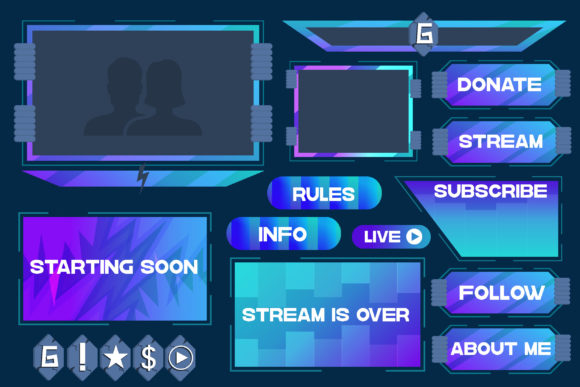
Streaming Overlay Template for Professional and Creative Use
Streaming overlay templates are essential tools for content creators, broadcasters, and designers looking to enhance their live streams with visually engaging elements. These templates provide a structured layout that can be customized to fit the unique branding or aesthetic of a streamer, channel, or brand. Whether you're hosting a gaming session, conducting a live tutorial, or broadcasting an event, having a well-designed overlay template can elevate your content and make it more professional.
What Is a Streaming Overlay Template?
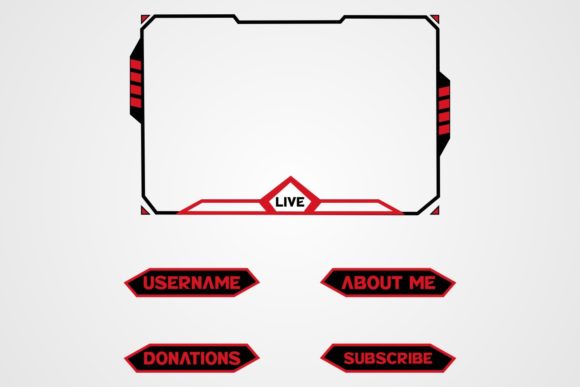
A streaming overlay template is a pre-designed graphic layout that sits on top of your live video feed. It typically includes elements like a logo, social media handles, chat window, viewer count, and other visual components that help engage your audience. These overlays are designed to be easily customizable, allowing users to adjust colors, fonts, and graphics without needing advanced design skills.
One of the key advantages of using a streaming overlay template is that it saves time and effort. Instead of starting from scratch, you can choose a template that aligns with your style and make minor adjustments to match your brand. This makes it ideal for streamers who want to maintain a consistent look across multiple platforms and broadcasts.
Real-World Applications of Streaming Overlay Templates
Streaming overlay templates are used in a variety of scenarios, from personal hobbies to large-scale productions. For example, a gaming streamer might use an overlay that displays their username, follower count, and donation alerts. A fitness instructor could use an overlay to show workout times, calories burned, and motivational messages. In both cases, the overlay helps create a more immersive and interactive experience for viewers.
Businesses also benefit from streaming overlay templates. A product launch, webinar, or virtual event can use an overlay to display company branding, event details, and contact information. This not only enhances the professionalism of the stream but also reinforces brand identity and provides a clear call to action for the audience.
Why Choose Editable and Resizable Vector Files?
When selecting a streaming overlay template, it's important to consider the file formats provided. Vector files such as AI, SVG, and CMX offer significant advantages over raster formats like JPG and PNG. Unlike pixel-based images, vector files are resolution-independent, meaning they can be scaled to any size without losing quality. This makes them ideal for use across different screen resolutions and devices.
Vector files are also editable, which means you can modify elements like text, shapes, and colors using software like Adobe Illustrator or CorelDRAW. This level of flexibility allows for greater customization and ensures that your overlay remains fresh and relevant over time. For instance, if you decide to update your brand colors or add new elements to your overlay, you can do so without compromising the overall design.
Common Considerations Before Using a Streaming Overlay Template
Before implementing a streaming overlay template, there are several factors to consider. First, ensure that the template is compatible with your streaming software. Popular platforms like OBS Studio, Streamlabs, and vMix support a wide range of overlay formats, but it's always good to double-check. Additionally, consider the complexity of the template. Some overlays may require advanced design skills to customize, while others are more user-friendly.
Another important consideration is the performance impact of the overlay. High-resolution or complex animations can sometimes slow down your stream, especially if your system has limited resources. It's best to test the overlay in a low-stress environment before going live to ensure smooth performance.
How Different Users Benefit From Streaming Overlay Templates
Streaming overlay templates cater to a wide range of users, each with their own needs and goals. For independent streamers, these templates offer a cost-effective way to enhance their content without hiring a designer. For businesses, they provide a professional tool for marketing and engagement. Even educators and trainers can benefit by using overlays to highlight key points during live lessons or presentations.
For example, a music producer might use an overlay to display track titles, album art, and social media links during a live performance. A chef could use an overlay to show recipe steps, cooking times, and ingredient lists during a cooking demo. In each case, the overlay serves as a visual aid that complements the content and improves the viewer experience.
Understanding the Included File Types
Most streaming overlay templates come with a set of file types to accommodate different needs. Image files like JPG and PNG are useful for quick previews and basic editing. However, vector files such as AI, SVG, and CMX offer more flexibility and quality. AI files are ideal for use in Adobe Illustrator, while SVG files are widely supported by web-based tools and graphic editors. CMX files are compatible with CorelDRAW and other vector-based programs.
By providing multiple file formats, these templates ensure that users can work with the software they are most comfortable with. This versatility is especially valuable for teams or individuals who use different design tools for various projects.
Final Thoughts on Streaming Overlay Templates
Streaming overlay templates are powerful tools that can significantly enhance the quality and professionalism of live content. Whether you're a casual streamer, a business owner, or a creative professional, there's a template that can meet your needs. By choosing a template with editable and resizable vector files, you gain the flexibility to customize your design and maintain high-quality visuals across all platforms.